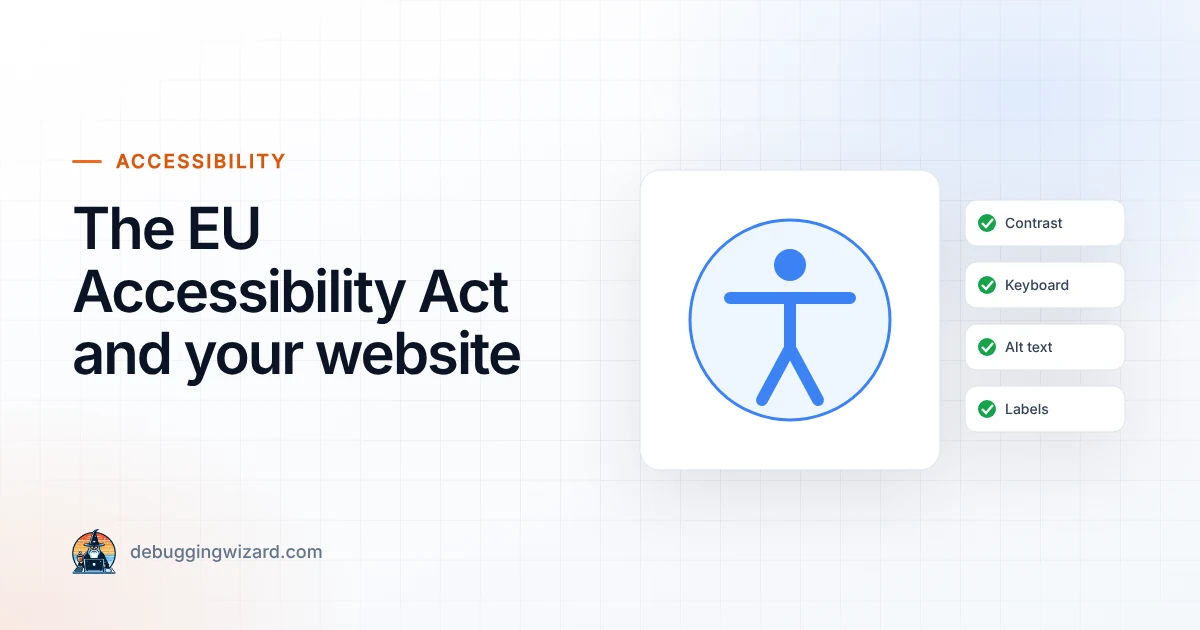
The European Accessibility Act: What It Means for Your Website
Since June 2025, many businesses selling online to EU consumers must have accessible websites. Who is covered, what “accessible” means and a…
Read article
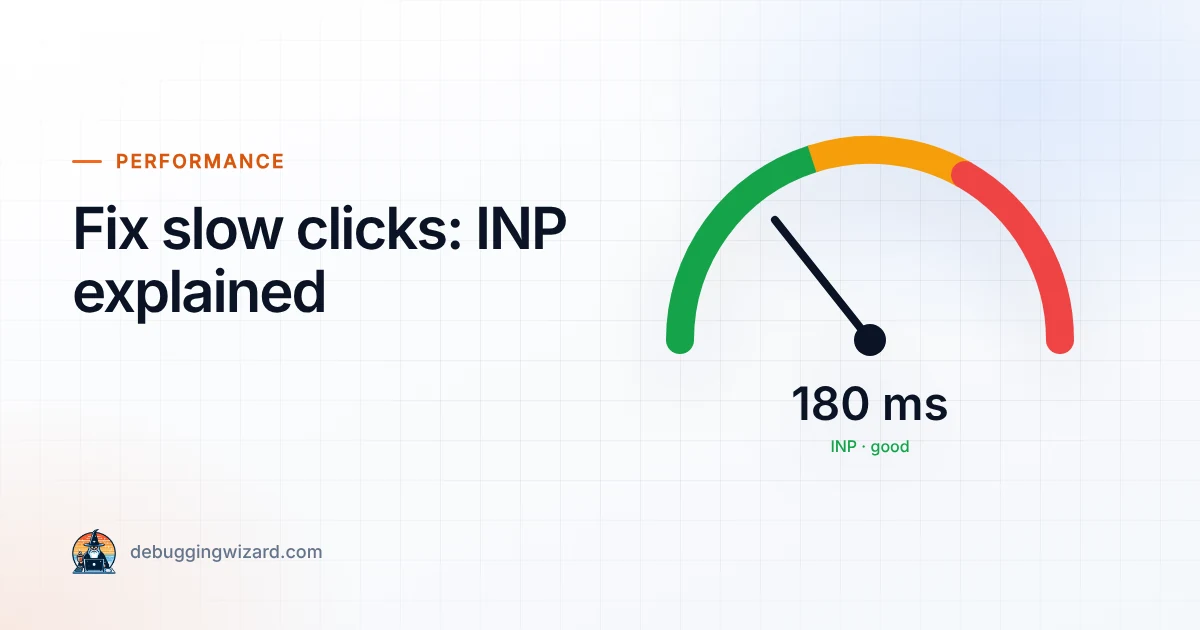
You click “Add to cart” and nothing seems to happen for a second. You click again. Now there are two items in your basket. That frustrating lag is exactly what Google’s Interaction to Next Paint (INP) metric measures, and it has been one of the three Core Web Vitals since it replaced First Input Delay in March 2024.
If Google Search Console is flagging INP issues on your site, here is what it means and how to fix it.
INP looks at how quickly your page visually responds after a visitor clicks, taps or types. Each visit is scored by its slowest interaction (ignoring the occasional outlier), and Google uses the 75th percentile of real visits:
Unlike lab scores, INP comes from real users on real devices, which often means mid-range phones on mobile data. A site that feels instant on your laptop can still fail.
Every interaction has three parts, and each one can go wrong:
Audit everything your site loads. Remove tools nobody uses, load the rest with defer or async, and delay non-essential widgets (chat, heatmaps, social embeds) until after the page has loaded or the user interacts.
Any JavaScript task longer than 50 milliseconds blocks the page. Split heavy work into smaller chunks and give control back to the browser in between, for example with scheduler.yield() where supported, falling back to setTimeout.
Update the button state or show a loading indicator immediately, then do the heavy work. Move analytics calls and other non-visible work out of the click path.
Very large pages (thousands of HTML elements) are slow to update. Simplify page builders’ nested layouts, paginate long lists and use content-visibility: auto for sections further down the page.
Search-as-you-type, scroll and resize handlers can fire dozens of times per second. Debouncing them keeps the page responsive.
Use the Core Web Vitals report in Google Search Console for real-user data across your site, and PageSpeed Insights for individual URLs. In Chrome DevTools, the Performance panel shows exactly which scripts run when you click.
Faster interactions mean happier visitors, fewer abandoned checkouts and a better chance of ranking well. Want us to find out what is slowing your site down? Our Growth Support plan includes quarterly performance audits, or you can ask us for a one-off review. For a quick health check right now, try our free SEO Meta Tag Analyzer.
Founder & Lead Engineer at Debugging Wizard. Writes about web development, email engineering and keeping business tech running smoothly.
Since June 2025, many businesses selling online to EU consumers must have accessible websites. Who is covered, what “accessible” means and a…
Read articleA DMARC record with p=none only monitors. Here is the safe path to full protection against spoofing, without blocking your own invoices or newsletters.…
Read articleGoogle, Yahoo and Microsoft now reject or junk email that is not properly authenticated. Here is what the rules require in plain English, plus…
Read articleTell us how things work today. We reply within one business day with ideas and a rough budget.