Getting Started with Front-End Development in 2025: A Beginner’s Guide
So, you want to become a front-end developer? Great choice! Front-end development is one of the most exciting and in-demand fields in tech right…
Read article
Since 28 June 2025, the European Accessibility Act (EAA) has applied across the EU. If your business sells products or services online to consumers in the EU, your website or app may now be legally required to be accessible to people with disabilities. And it does not matter where your company is based: selling to EU consumers is what counts.
Here is what small and medium-sized businesses need to know, without the legal jargon. (As always, for advice on your specific situation, check with a legal professional.)
The Act covers specific products and services. For most of our clients, the relevant ones are:
Microenterprises providing services are exempt. That means businesses with fewer than 10 employees and an annual turnover or balance sheet total of no more than €2 million. The exemption does not apply to manufacturers of covered products. Even if you are exempt, accessibility is still good for business: it widens your audience and usually improves SEO and usability for everyone.
The practical benchmark is the European standard EN 301 549, which incorporates WCAG 2.1 Level AA. An updated version based on WCAG 2.2 is on the way, so building towards WCAG 2.2 now is a sensible way to future-proof your site.
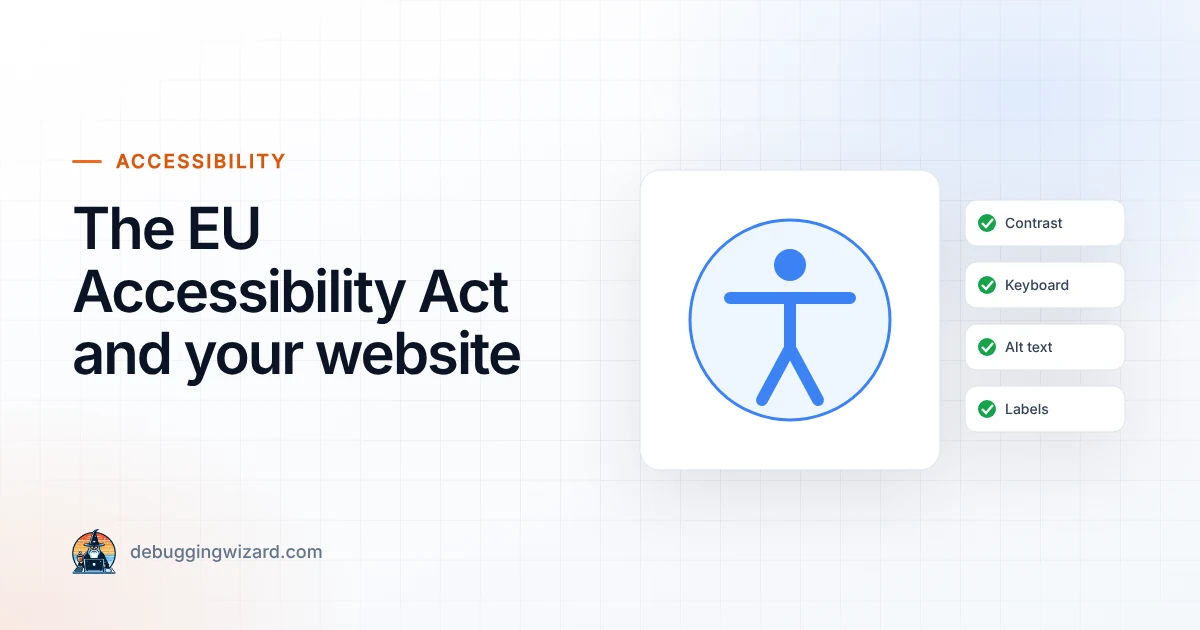
In everyday terms, your website should be:
New services have had to comply since June 2025. Some transition periods apply: service contracts agreed before 28 June 2025 can continue unchanged until 28 June 2027, and certain products already in use have until 28 June 2030. Penalties are set by each EU member state, so they differ from country to country, and authorities can also order changes or withdraw non-compliant services from the market.
Accessibility is not a one-off project, but it does not have to be overwhelming either. If you would like an accessibility review of your website or a prioritised fix list, get in touch. It fits naturally into our website care plans.
Founder & Lead Engineer at Debugging Wizard. Writes about web development, email engineering and keeping business tech running smoothly.
So, you want to become a front-end developer? Great choice! Front-end development is one of the most exciting and in-demand fields in tech right…
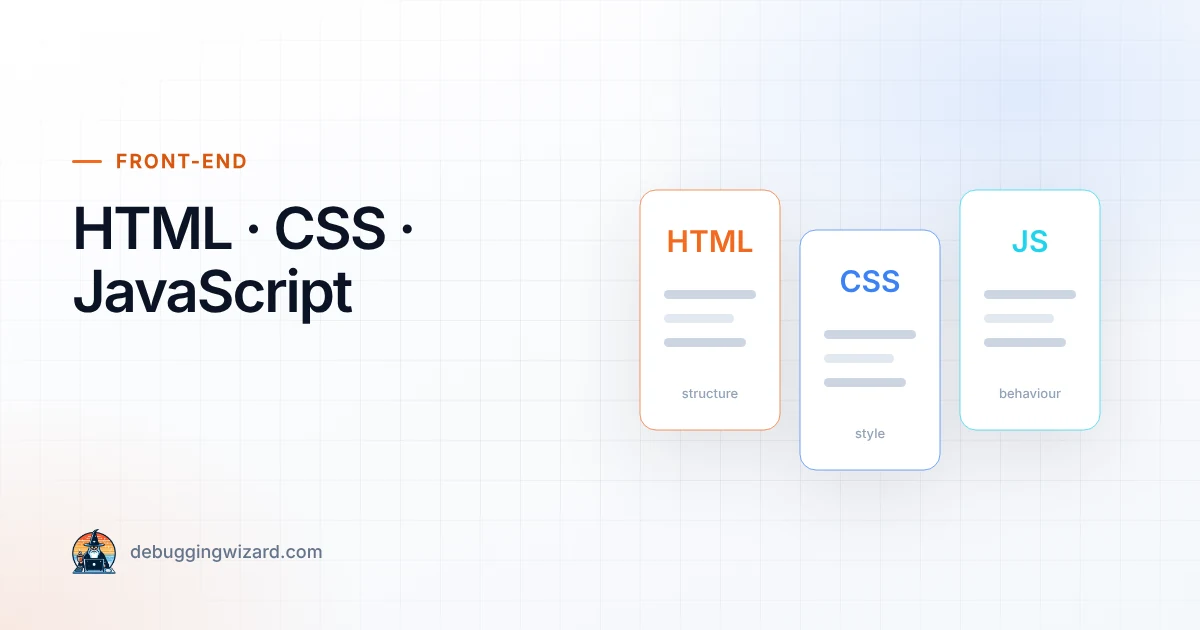
Read articleIf you’re just starting out in front-end development, you’ve probably heard these three terms thrown around a lot: HTML, CSS, and JavaScript.…
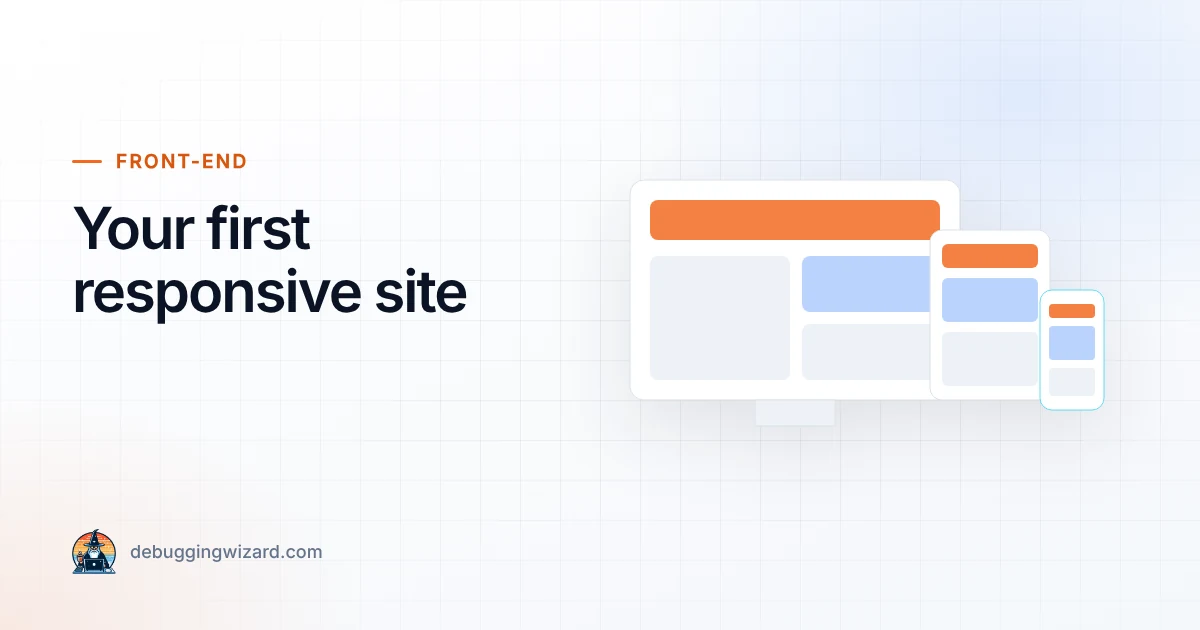
Read articleOne of the most important skills for beginner front-end developers is learning how to build responsive websites, pages that look great on desktop,…
Read articleTell us how things work today. We reply within one business day with ideas and a rough budget.