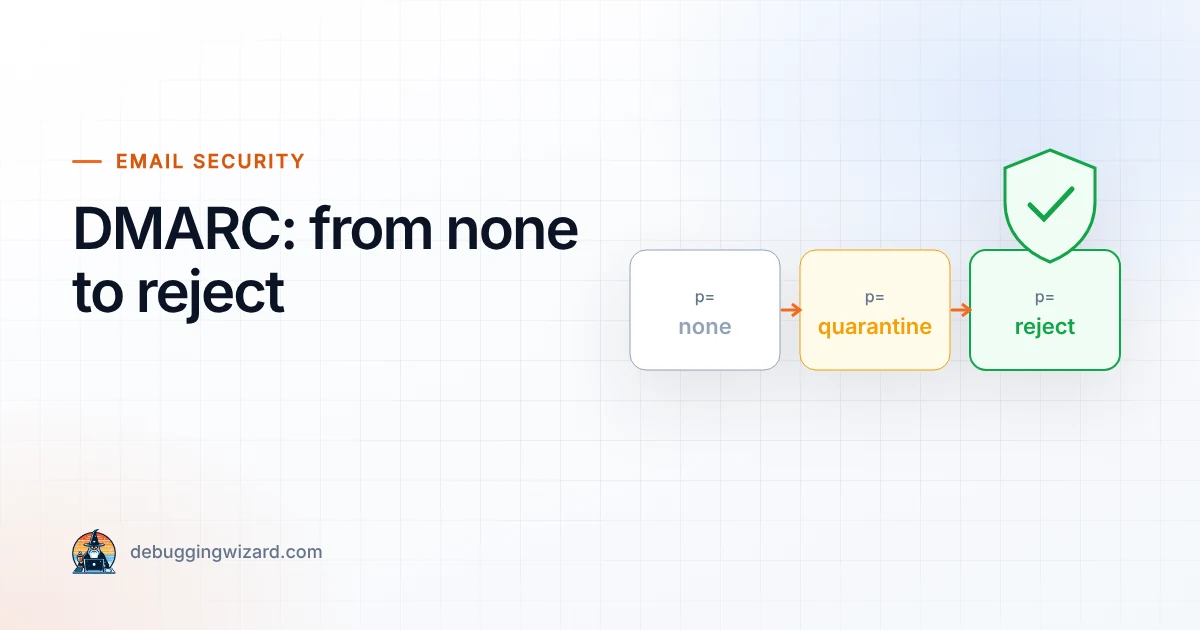
DMARC Step by Step: From p=none to p=reject Without Breaking Your Email
A DMARC record with p=none only monitors. Here is the safe path to full protection against spoofing, without blocking your own invoices or newsletters.…
Read article
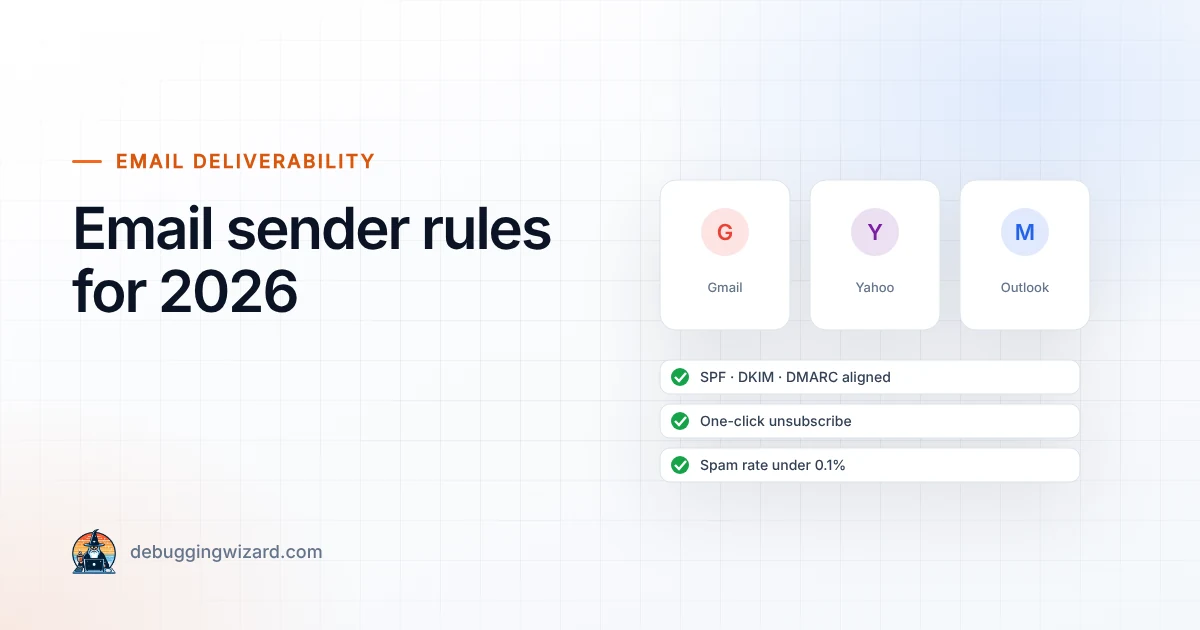
If your business sends newsletters, order confirmations or password resets, the rules for getting into the inbox changed for good over the last two years. Google, Yahoo and Microsoft now expect every serious sender to prove who they are, make unsubscribing easy and keep complaints low. In 2026 these are no longer “best practices”. Mail that ignores them is slowed down, sent to spam or rejected outright.
Here is a plain-English summary of what the big three mailbox providers expect, and a checklist you can work through this week.
Gmail treats you as a bulk sender once you send around 5,000 or more messages a day to personal Gmail addresses. Microsoft uses a similar threshold of more than 5,000 messages a day for Outlook.com, Hotmail and Live addresses. Yahoo applies matching requirements.
Two things often surprise people:
p=none, and your From domain must align with SPF or DKIM.Marketing and promotional emails sent to Gmail must support one-click unsubscribe (the technical standard is called RFC 8058), and requests have to be honoured within 48 hours. Microsoft asks for a visible, working unsubscribe link. In practice, Mailchimp, Brevo, Klaviyo and similar platforms handle this for you, as long as you send from a properly authenticated domain.
Gmail wants user-reported spam below 0.1% and treats 0.3% as a hard line. Cross it and you lose access to Google’s deliverability support until you have stayed below 0.3% for seven days in a row. That is just 3 complaints per 1,000 emails, so list quality matters more than ever.
Since November 2025, Gmail has steadily increased enforcement against non-compliant bulk traffic: first temporary errors that slow your mail down, then permanent rejections. Microsoft started enforcing its rules for Outlook.com on 5 May 2025, routing failing mail to Junk and rejecting it with the error 550 5.7.515 (“access denied, sending domain does not meet the required authentication level”).
The worst part is that these failures are often silent. Your platform says “sent”, but customers never see the email.
p=none and a reporting address, so you can see who is sending as you.Email authentication is now the entry ticket to the inbox. The good news is that it is mostly a one-time setup. Get SPF, DKIM and DMARC right, keep your list healthy, and your emails will land where they belong.
Not sure where you stand? Check your domain for free, or get in touch and we will set everything up and monitor it for you.
Founder & Lead Engineer at Debugging Wizard. Writes about web development, email engineering and keeping business tech running smoothly.
A DMARC record with p=none only monitors. Here is the safe path to full protection against spoofing, without blocking your own invoices or newsletters.…
Read articleINP measures how fast your site responds to clicks and taps, and it is a Core Web Vital. What causes poor scores and the fixes that work, including…
Read articleSince June 2025, many businesses selling online to EU consumers must have accessible websites. Who is covered, what “accessible” means and a…
Read articleTell us how things work today. We reply within one business day with ideas and a rough budget.