What Is Back-End Development? A Beginner’s Guide
When you open a website or app, you usually notice the design, buttons, images, and text, that’s the front end. But behind every button you…
Read article
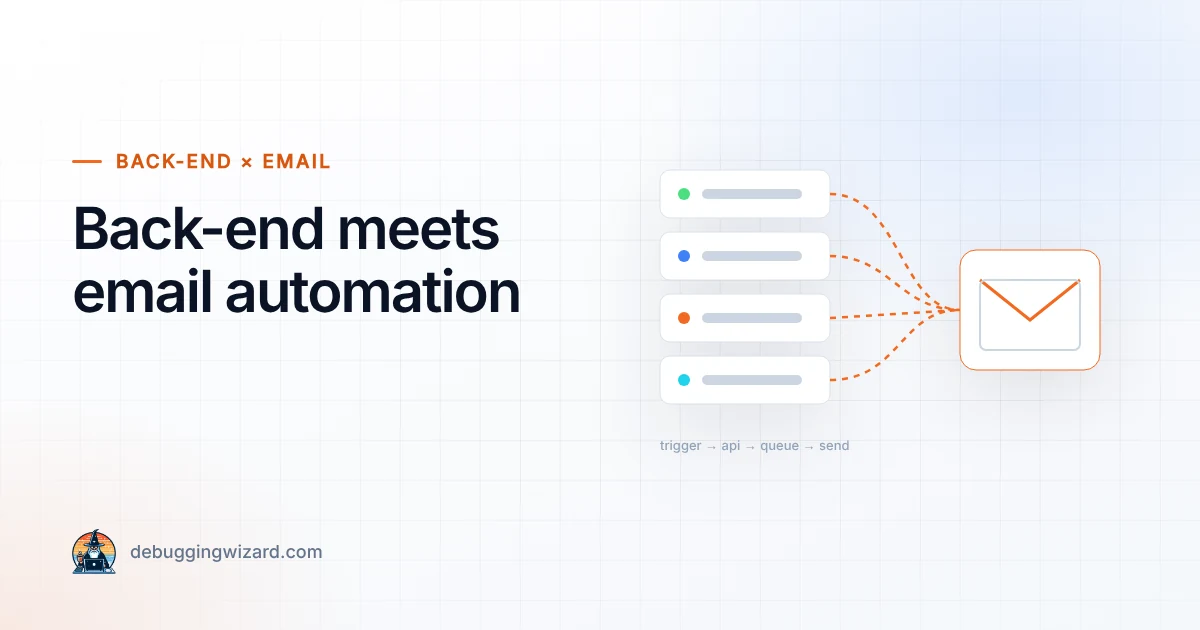
In today’s digital world, businesses rely on email automation to send everything from welcome emails and password resets to newsletters and marketing campaigns. But have you ever wondered how these emails are triggered and delivered?
That’s where back-end development comes in. The back end is the engine room of the web, and email automation is one of its most powerful use cases.
Whenever an automated email is sent, there’s a back-end process running in the background. For example:
1. Servers & Frameworks
Back-end code (Node.js, Python, PHP, etc.) controls when and how emails are sent. Frameworks like Express.js, Django, or Laravel often include libraries for email sending.
2. Databases
The back end stores and manages subscriber lists, customer preferences, and email history.
Example: Store user opt-in status in a PostgreSQL or MongoDB database.
3. Email Services & APIs
Instead of sending emails directly from the server, developers integrate with email delivery services like:
If event A happens → send email B.
If user doesn’t open → send a follow-up.
This is usually handled by cron jobs (scheduled tasks) or event-driven architecture.
const nodemailer = require("nodemailer"); // Create a transporter const transporter = nodemailer.createTransport({ service: "Gmail", auth: { user: "your-email@gmail.com", pass: "your-password" } }); // Send an email transporter.sendMail({ from: "your-email@gmail.com", to: "newuser@example.com", subject: "Welcome to Our App!", text: "Thanks for signing up. We’re glad you’re here!" });
Here, the back end listens for a new user registration, then automatically sends a welcome email using Nodemailer.
Saves Time → no need to manually send each email.
Improves User Experience → timely communication builds trust.
Boosts Engagement & Sales → automated reminders and offers convert better.
Scales Easily → handle thousands (or millions) of users at once.
Back-end development and email automation go hand in hand. The back end captures user actions, manages workflows, and integrates with email APIs to send messages at the right time.
If you’re a developer, learning how to connect your back-end code to email services is a valuable skill. If you’re a business owner, knowing how this works helps you understand how automation can drive growth.
The next time you get a welcome email, a shipping update, or a password reset, remember: it’s not magic. It’s the back end working for you.
Founder & Lead Engineer at Debugging Wizard. Writes about web development, email engineering and keeping business tech running smoothly.
When you open a website or app, you usually notice the design, buttons, images, and text, that’s the front end. But behind every button you…
Read articleINP measures how fast your site responds to clicks and taps, and it is a Core Web Vital. What causes poor scores and the fixes that work, including…
Read articleSince June 2025, many businesses selling online to EU consumers must have accessible websites. Who is covered, what “accessible” means and a…
Read articleTell us how things work today. We reply within one business day with ideas and a rough budget.